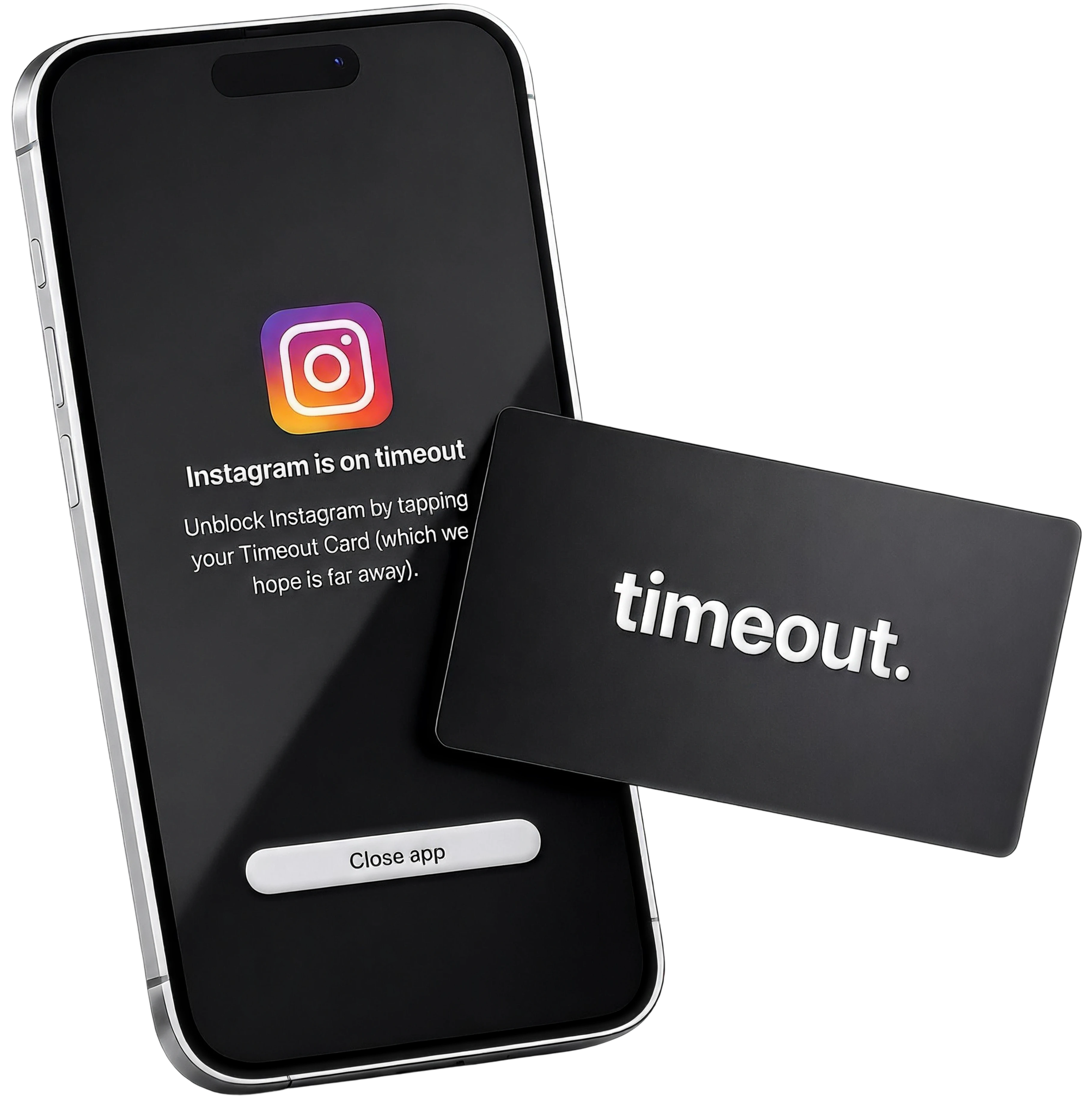
timeout.
Lock Your Apps, Unlock Your Life.
Block Your Most Distracting Apps with No Loopholes.
What is timeout.

Timeout is a physical card and app that blocks distracting apps on your phone. Once activated, there is no bypass, helping you cut screen time, sleep better, stay focused, and build healthier phone habits.
Why Other Methods Fail:

Apple Limits
Easy to click ignore.

Deleting Apps
Easy to re-download.

Grayscale
Easy to turn off.
timeout. adds real friction.
Modern apps are built to keep you scrolling, so we created a physical barrier. Set phone rules, and unlock them only with your Timeout Card—no other way. Timeout makes distractions inconvenient, helping you think before you scroll.
How it works.
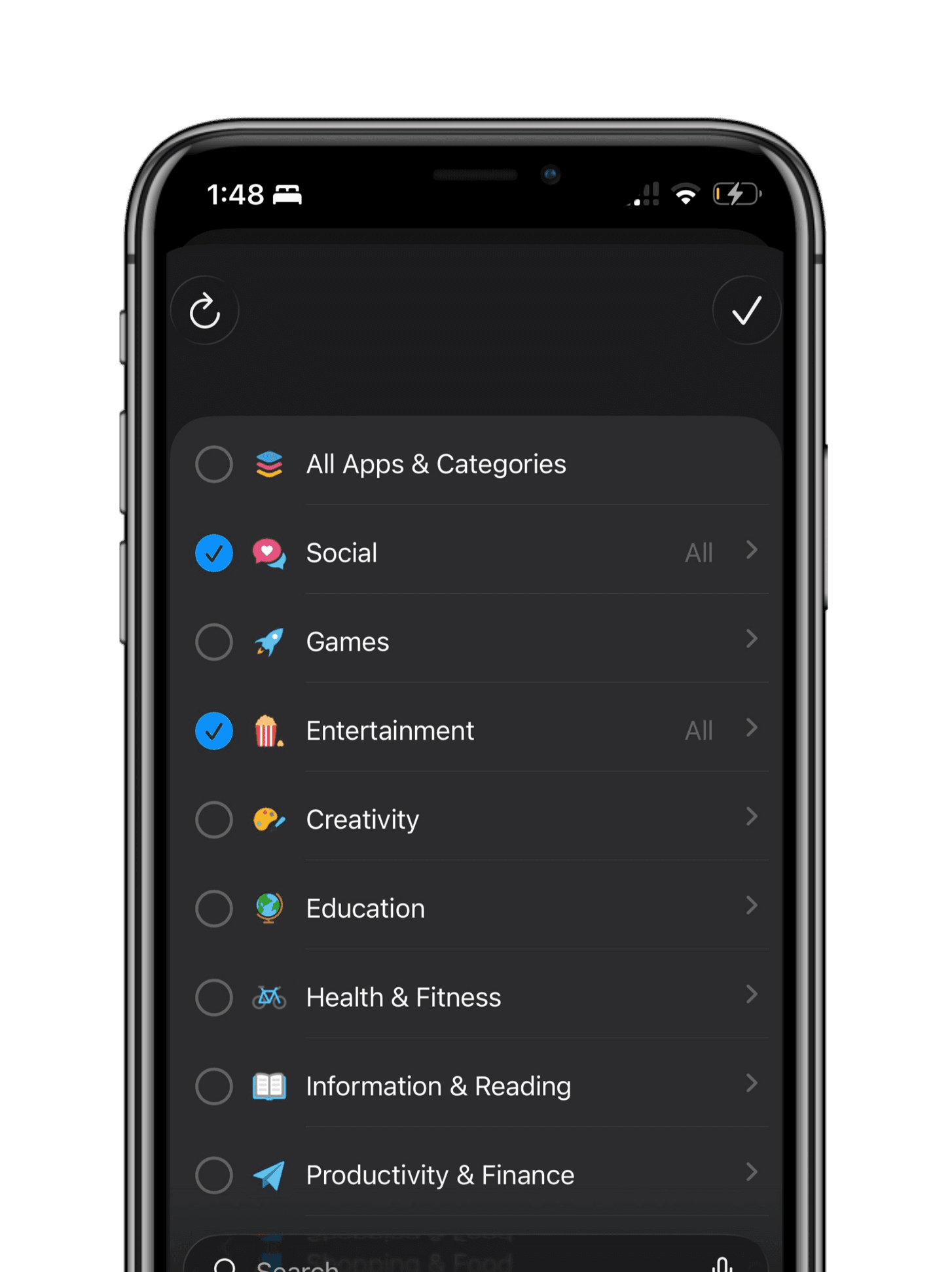
1. Choose Distractions.
Choose your distracting apps that you want to block in the timeout app.
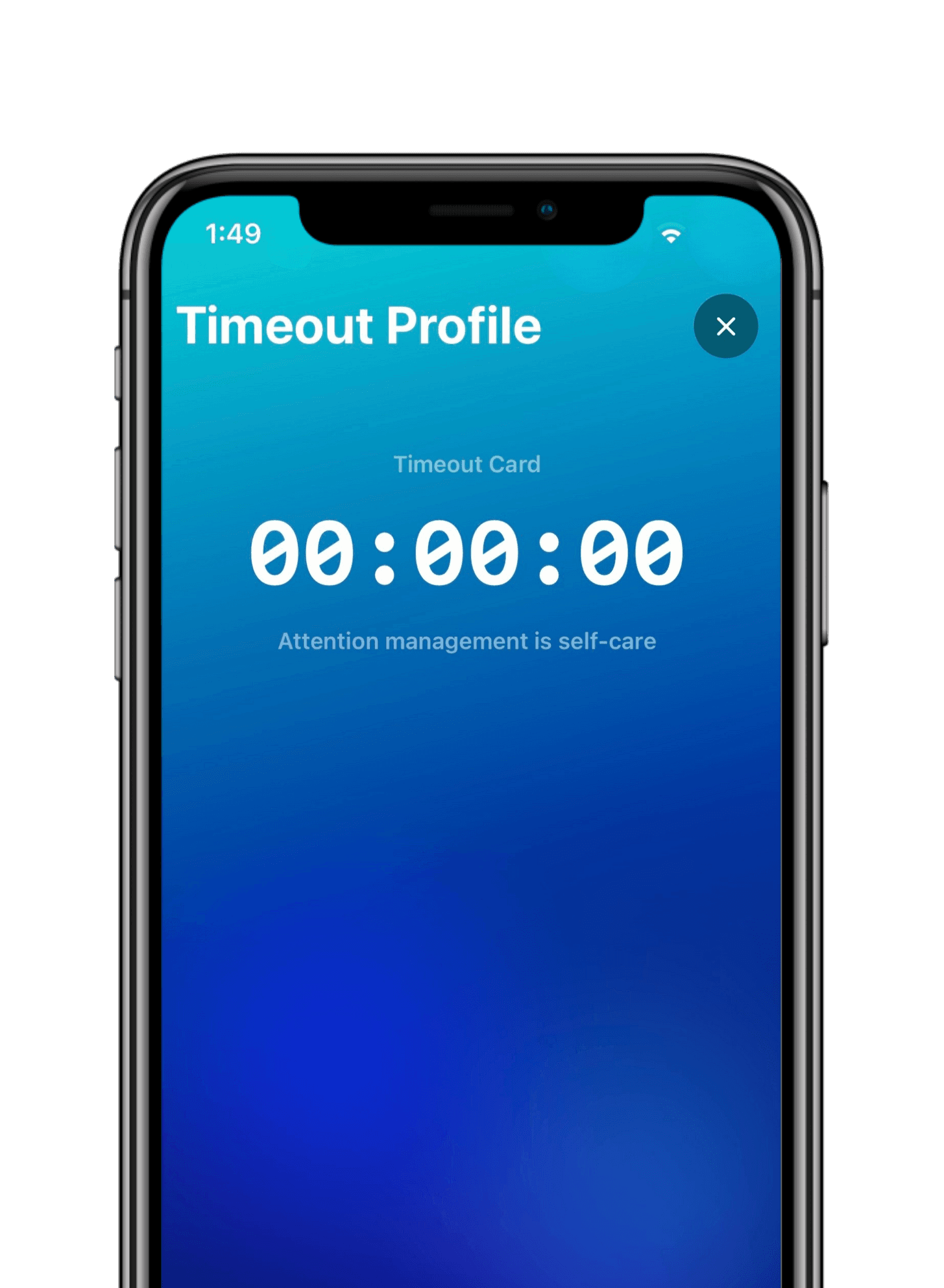
2. Start timeout.
Once setup, Tap phone on your card to activate timeout mode.
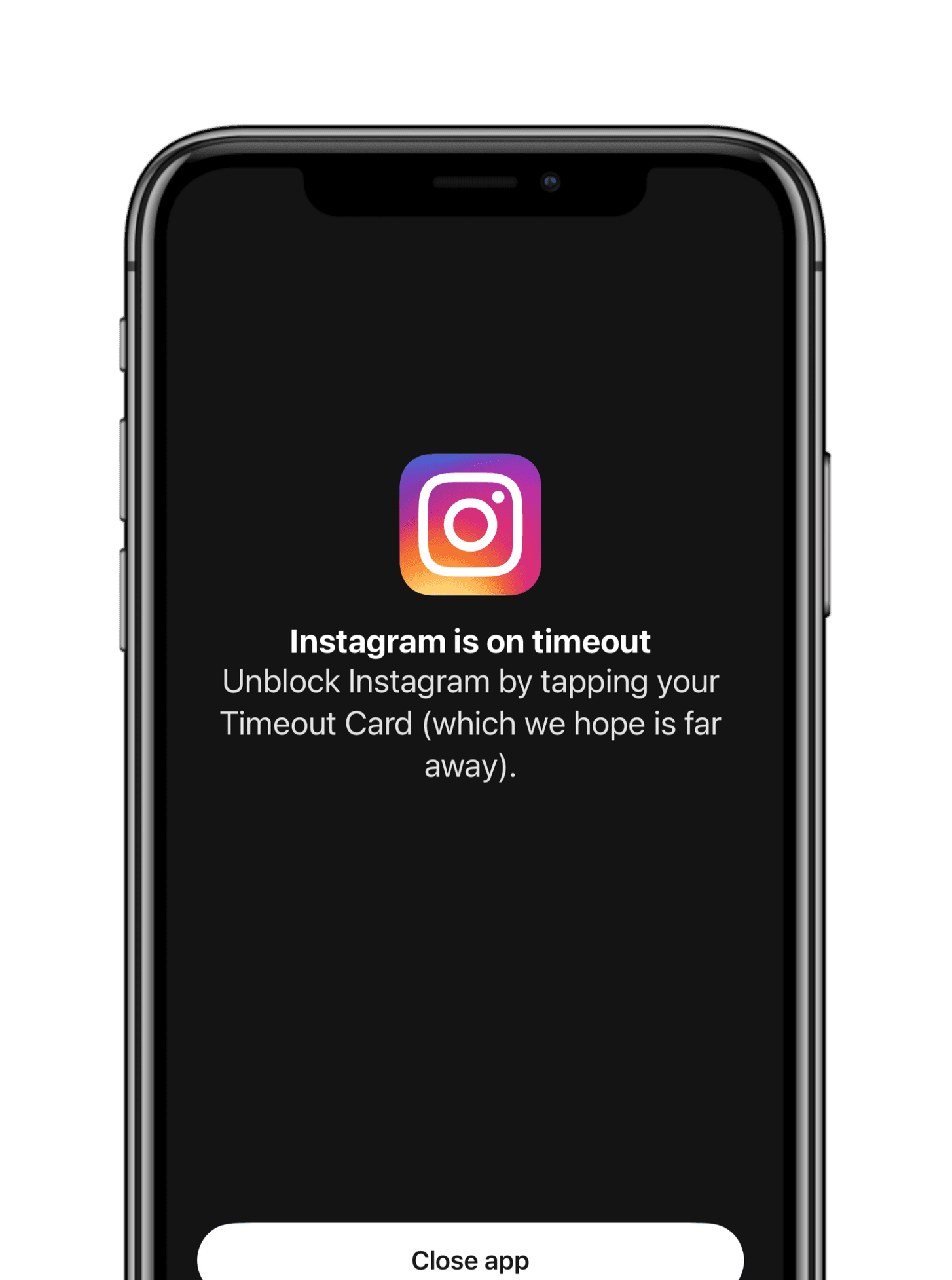

3. You are now free.
The apps become locked instantly. The only way to re-unlock is to manually tap your card again - no loopholes.So keep the card out of reach—like downstairs or in another room—and unlocking it becomes a conscious choice.
Dont waste 20 Years.
The average person will waste 20 years of their life on their phone - timeout helps take back your time.

"A cheat code for deep work."
Having to physically walk to another room to unlock my apps creates the perfect friction.. I now have way more time in my day and get more things done.
Adam, Business Owner

"Saved my evenings."
Using timeout to lock my apps at night cured my doomscrolling. I feel less restless, anxious and finally get better sleep.
Mica, University Student

"I Stopped Doomscrolling"
I was addicted to the endless dopamine loop of social media- i now feel like i have much more time in my day outside of work.
Hans, Startup Owner

★★★★★ 4.91 Stars (Based on 3,520+ Reviews)
Timeout Card
The Physical Solution to Distractions.
Purchase Includes:
- Free Lifetime IOS App Access (No Subscriptions)
- No Batteries / Charging
- Reduce Screen Time by -83%
© timeout 2026. All rights reserved.
Frequently Asked Questions
What happens if i lose my card?
It's not the end of the world. We gift you 3 freebie emergency unblocks when you 1st download the app.
Is there an app that accompanies timeout?
Yes, timeout is complemented by an app available on the App Store. The app allows you to enter and exit timeout sessions and customize which applications to block.
Can i use one card with multiple devices?
Yes you can use your Timeout Card with your other devices. You can even have other friends or family lock their phones using the same card.
Can't I just delete the app or find a workaround?
Nope, No Loopholes. We’ve been there too. Which is why we built Timeout with Strict Mode to close the loopholes and prevent deleting the app or changing settings to unlock without your card.

Can I bypass Timeout through Screentime Settings?
By default, you can disable Timeout’s access through iOS Settings and immediately use blocked apps. To prevent this, have a trusted friend or family member create a Screen Time Passcode in Settings → Screen Time.Once enabled, disabling Timeout’s Screen Time permissions or deleting the app will require that passcode. This makes bypassing the restrictions much harder without the code.

★★★★★ 4.91 Stars (Based on 3,520+ Reviews)
Timeout Card
The Physical Solution to Distractions.
Purchase Includes:
- Free Lifetime IOS App Access (No Subscriptions)
- No Batteries / Charging
- Reduce Screen Time by -83%
More Questions? Contact Support
© timeout 2026. All rights reserved.
Privacy Policy
Last updated: June 6, 2025App name: Timeout Card
Bundle identifier: com.patrickwazzup.timeoutThis Privacy Policy describes how Timeout Card (“we,” “us,” or “the App”) handles information when you use our iOS application. It applies to the main app and its embedded extensions (TimeoutDeviceMonitor and TimeoutShieldConfig).SummaryTimeout Card is a focus and app-blocking tool. We do not operate servers that collect your personal data, and we do not sell, rent, or share your information with third parties for advertising or analytics.Information you provide or that the App generates is stored on your device only, except where Apple’s system services process data as part of normal iOS operation (for example, Screen Time authorization and NFC reading).Information We ProcessThe App processes the following information locally on your iPhone to provide its features:Focus profiles and settings- Profile names you create
- Your choices of apps, app categories, and websites to block or allow (stored using Apple’s privacy-preserving Screen Time tokens via the Family Controls framework)
- Custom website domains you enter
- Schedule settings (days and times)
- Blocking preferences (for example: strict mode, breaks, allow-list mode, Safari blocking, adult content filtering)
- Selected blocking strategy and related configurationFocus session data- Session start and end times
- Break and pause timing
- Whether a session was started manually or by a schedule
- Historical session records associated with your profilesPhysical unlock configuration- NFC tag identifiers and optional URL payloads read when you initiate an NFC scan to end a session
- NFC and QR code values you associate with a profile for physical unlock (stored locally for verification only)App preferences- Theme color selection
- Whether onboarding screens have been completed
- Emergency unblock quota usage and reset timing
- Optional local schedule debug logs (diagnostic entries used for troubleshooting schedules)How We Use InformationWe use the information described above solely to:- Block and unblock apps and websites according to your profiles and schedules
- Run, display, and restore active focus sessions
- Verify NFC-based unlock when you choose to scan a tag
- Show custom block screens when restricted apps or sites are opened
- Send local notifications (for example, break reminders) that you configure
- Preserve your settings and session state across app launches and between the App and its extensionsWe do not use your information for advertising, marketing, profiling, or cross-app tracking.Permissions and Apple FrameworksThe App requests access to certain iOS capabilities. Each is used only for the purpose described:| Permission / capability | Purpose || Screen Time / Family Controls | Required to let you select apps and websites to block and to enforce restrictions. Apple provides opaque tokens; the App does not receive a list of your installed apps suitable for identifying you to us on a server, because we have no server. |
| NFC Tag Reading | Used only when you scan an NFC tag to end a focus session. Tag data is processed on-device to verify an allowed unlock code. |
| Notifications | Used for optional local alerts related to your focus sessions (for example, when a break ends). The App does not use remote push notifications. |The App also uses Apple system frameworks including SwiftData, ManagedSettings, DeviceActivity, and UserNotifications. Data shared between the main app and its extensions uses an Apple App Group (group.com.patrickwazzup.timeout) and remains on your device.What We Do Not Collect or DoTimeout Card does not:- Require you to create an account or sign in
- Transmit your focus profiles, session history, NFC reads, or preferences to our servers
- Use third-party analytics, advertising, or crash-reporting SDKs
- Sell or share your personal information
- Access your location, camera, microphone, contacts, photos, health data, or iCloud content
- Track you across other companies’ apps or websitesIf you open an external link inside the App (for example, a help video), that site is governed by its own privacy policy, not this one.Data Storage and SecurityYour data is stored in the App’s sandbox on your device, including:- SwiftData local database (profiles and sessions)
- Standard UserDefaults and App Group shared storage (settings, session snapshots, and optional debug logs)We rely on Apple’s built-in iOS data protection. No method of electronic storage is completely secure, but because your data stays on your device and is not transmitted to us, it is not exposed through our systems.Data Retention and DeletionData is kept on your device until you:- Delete individual profiles or session history within the App, where those options are available, or
- Delete the App from your device, which removes locally stored App dataRevoking Screen Time authorization in Settings → Screen Time → Timeout Card will prevent the App from blocking apps but may not immediately erase all locally stored profile data until the App is removed.Children’s PrivacyTimeout Card is not directed at children under 13 years of age. We do not knowingly collect personal information from children. If you believe a child has provided information through the App, contact us using the details below and we will assist with deletion on the device.Your RightsDepending on where you live, you may have rights to access, correct, or delete personal information. Because we do not maintain a central database of user data, the primary way to delete your data is to uninstall the App from your device.If you have questions about exercising your rights, contact us at the address below.International UsersIf you are located in the European Economic Area, United Kingdom, or other regions with data protection laws, please note that processing occurs locally on your device for the purposes described in this policy. We do not transfer your App data to our servers.California Privacy Notice (CCPA)We do not sell or share personal information as defined by the California Consumer Privacy Act (CCPA). We do not use your information for cross-context behavioral advertising.Changes to This PolicyWe may update this Privacy Policy from time to time. When we do, we will revise the “Last updated” date at the top of this document. Material changes may also be communicated in the App or on our App Store listing. Continued use of the App after an update means you accept the revised policy.App Store Privacy LabelsFor Apple App Store privacy disclosures, Timeout Card is designed so that data is not collected off your device by us. Information listed in this policy is processed on-device to provide app functionality. If Apple’s questionnaire asks whether data is linked to you or used for tracking, our answers reflect that we do not collect data on our servers and do not track users across apps or websites owned by other companies.Contact UsIf you have questions or requests regarding this Privacy Policy, contact:Timeout Card
Email: [[email protected]]This document is provided for App Store publication and general transparency. It reflects the behavior of Timeout Card as of the last updated date above.


